Protect account context
Keep contacts, service locations, work history, documents, and conversations attached to the right customer.
Commercial field service
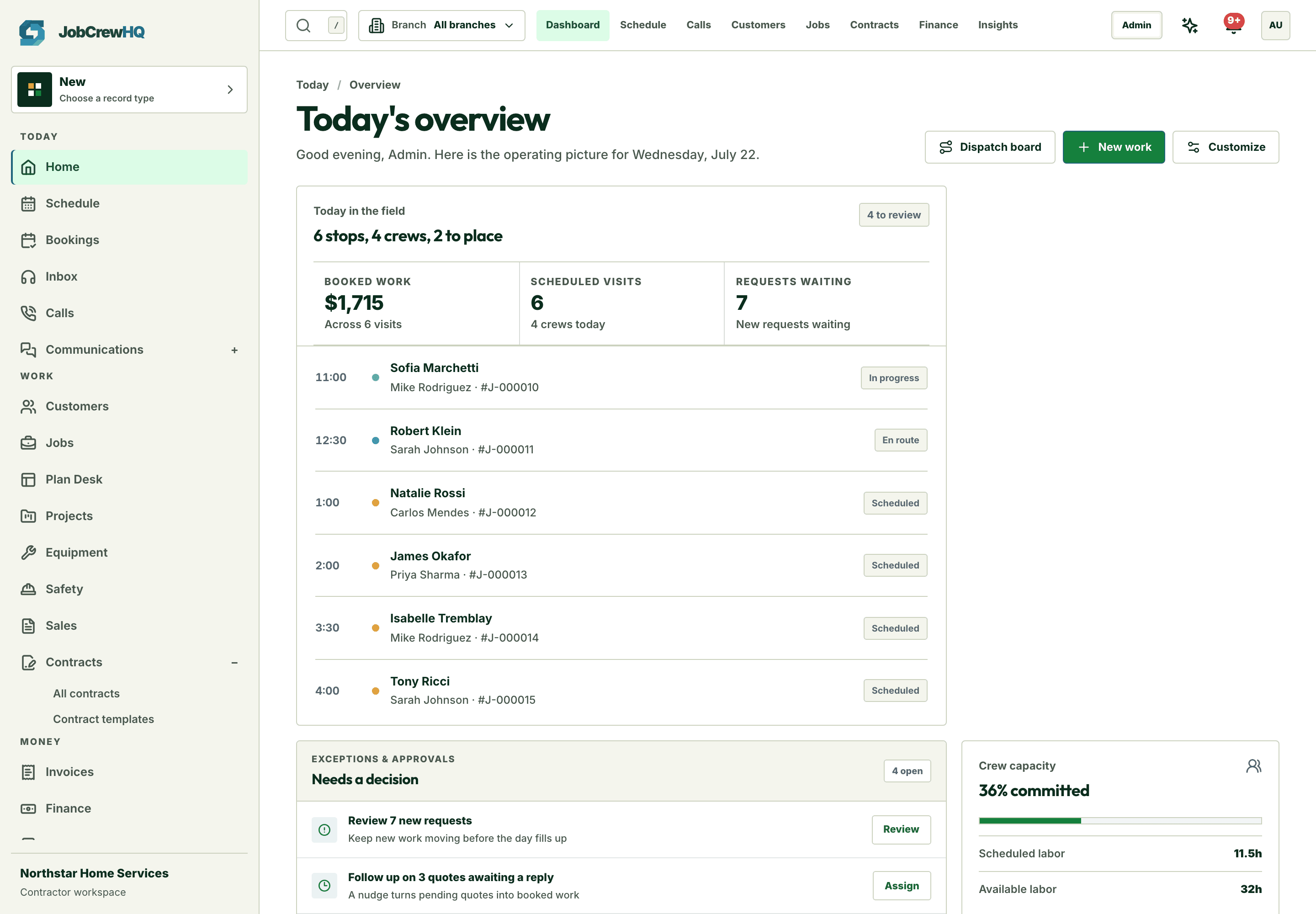
JobCrewHQ gives commercial service teams one operational trail for customer context, quoted work, dispatch, field documentation, invoicing, and follow-up.
Commercial outcomes
Keep contacts, service locations, work history, documents, and conversations attached to the right customer.
Move approved scope into the schedule and give the field team the context required to finish the visit.
Connect expenses, invoices, payments, and reporting back to the work instead of reconciling separate systems.
Connected workflow
The customer, property, scope, schedule, field record, invoice, and payment stay connected as the work moves.
Create or match the customer and property, then capture the need and ownership.
Build the quote, collect customer selections, signature, and deposit when required.
Schedule the work and capture statuses, forms, photos, notes, and signature.
Collect payment, follow balances, and review the operational and financial record.
Product fit
These are live product areas, not future-roadmap promises.
Keep contacts, properties, service locations, notes, work, quotes, invoices, and communication context connected to one client record.
View featureBuild a quote from the price book, include optional work, send a secure link, capture approval and signature, and collect a deposit.
View featureA phone-first workspace for today’s route, job context, status updates, forms, photos, signatures, payment, and required closeout.
View featureUse role-specific dashboards, financial and operational reports, job profitability, exports, and audit history to move from activity to action.
View featureStart with the core workflow today, then add operational depth as your crew grows.