Improve the operation
See where work, margin, and cash are getting stuck
Use role-specific dashboards, financial and operational reports, job profitability, exports, and audit history to move from activity to action.
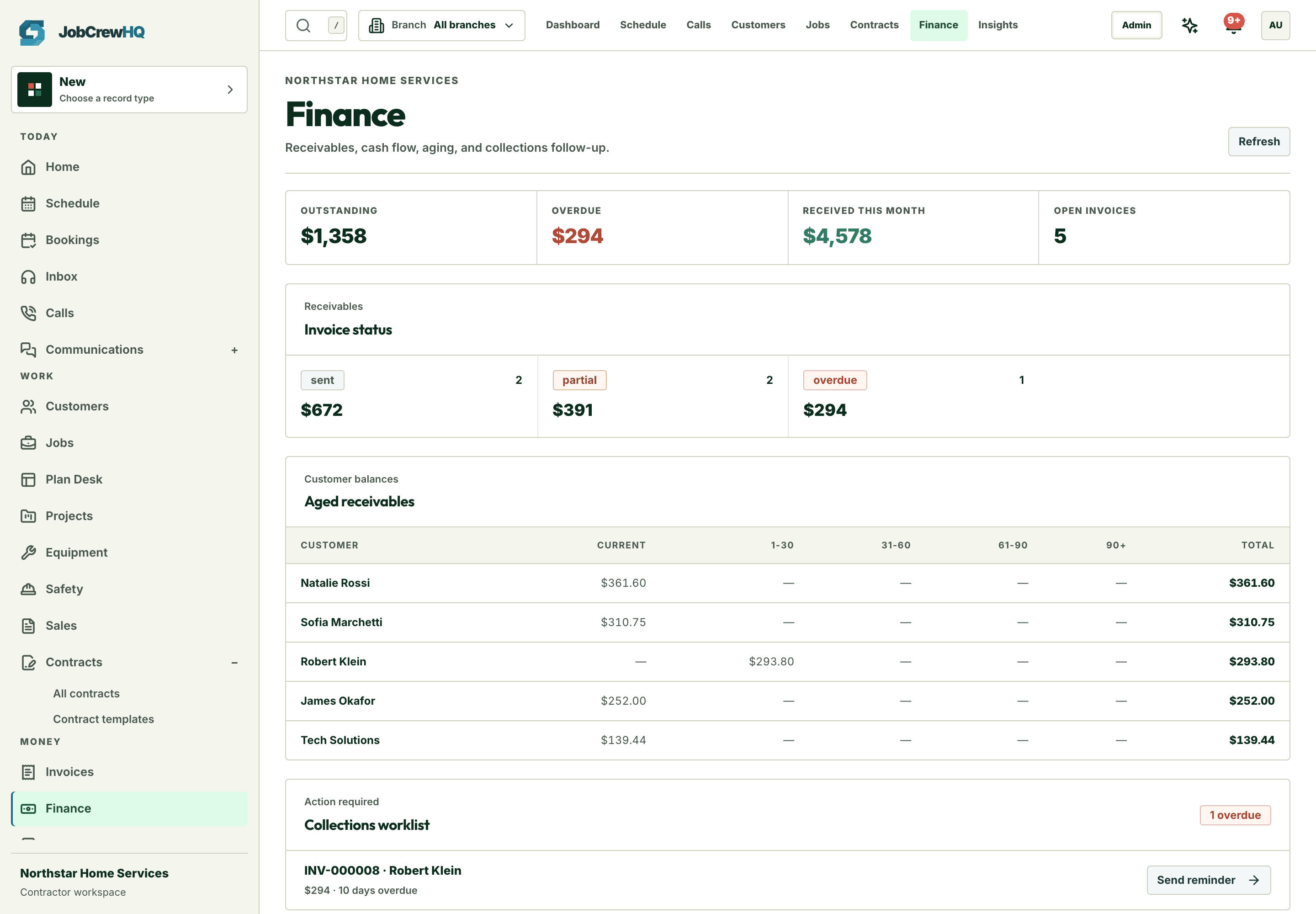
Start with exceptions
Role-specific dashboards that lead with action
Owner, finance, sales, and technician views surface what needs attention today.
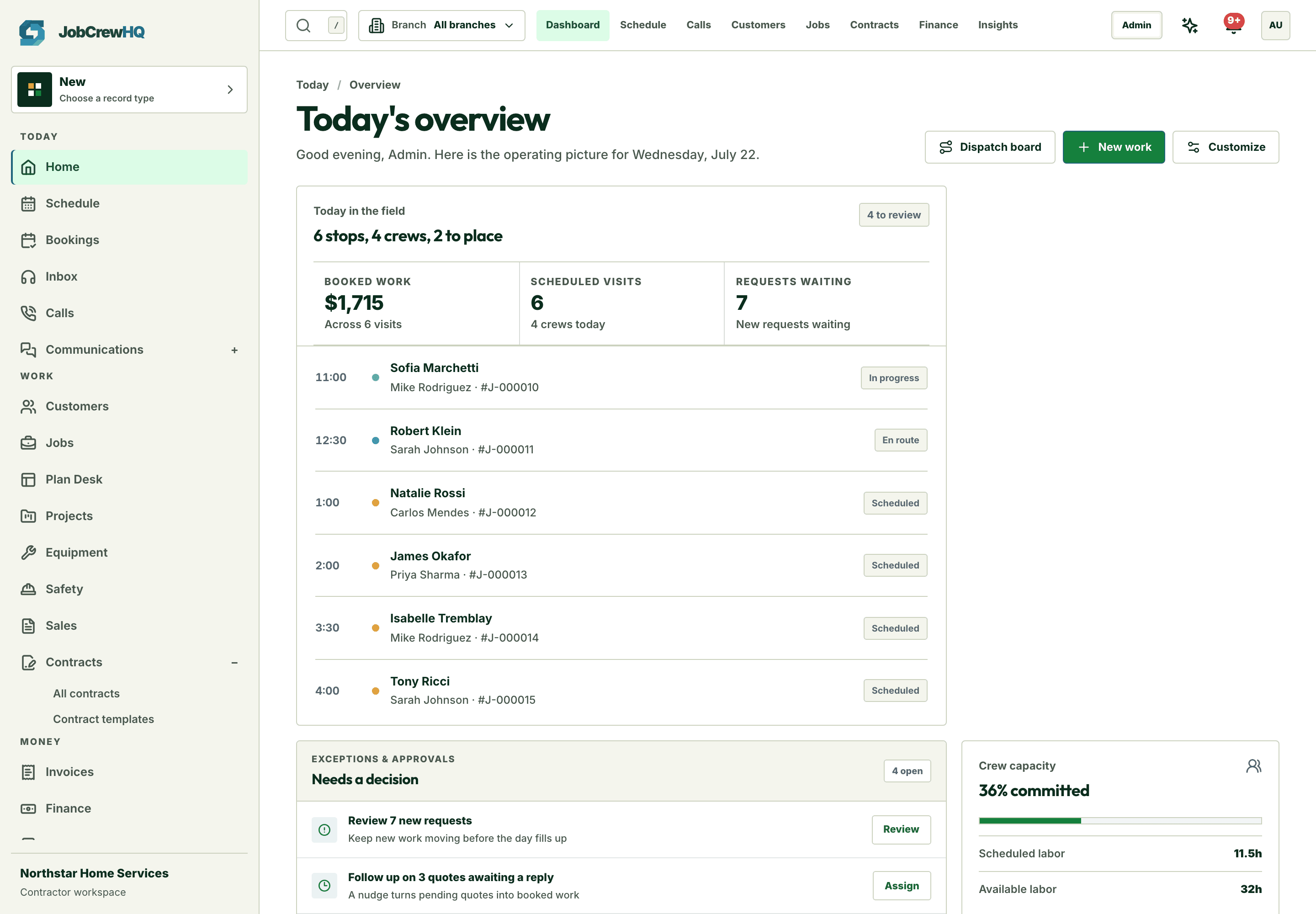
Drill in
From number to record in one click
Every report line opens the underlying customer, job, or invoice — no re-querying.
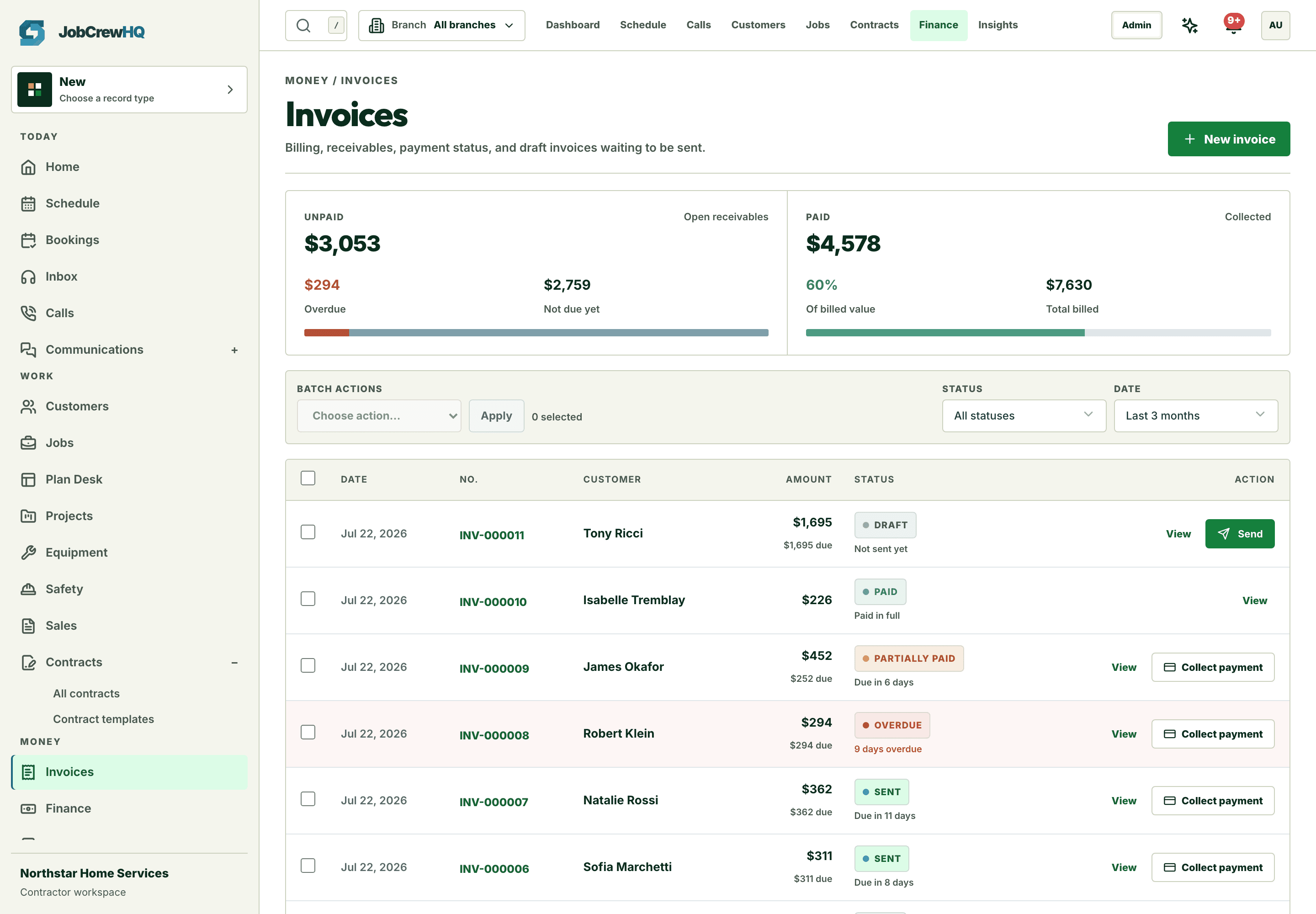
True margin
Costs beside the revenue they ate
Expenses and time tracked per job feed real profitability, not gut feel.
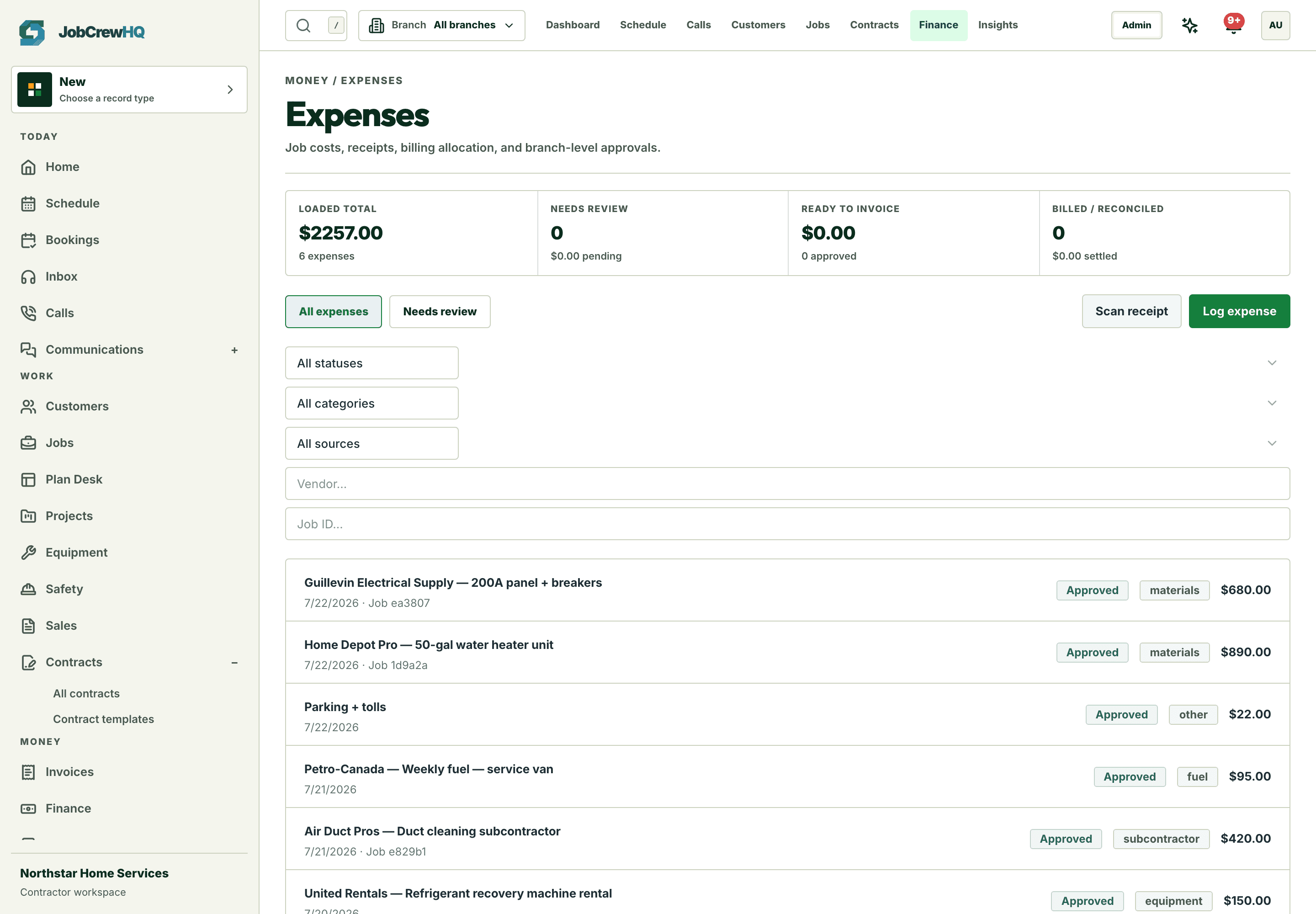
Capability
What the workflow includes
- Owner, sales, finance, technician, and system dashboards
- Revenue, aged AR, funnel, productivity, tax, and work reports
- Job-level cost and profitability context
- CSV/XLSX exports and audit trail
How it moves
One path, four handoffs
- 01
Spot
Start with the role-specific exceptions that need action.
- 02
Explain
Open the underlying report and filters.
- 03
Act
Move back into the customer, job, or invoice.
- 04
Share
Export when the work needs to leave the system.
One connected system
It doesn’t work alone
Reporting & profitability shares records with dashboard, jobs, invoices and the rest of the platform — one login, one customer record, one operating loop.
Put reporting & profitability inside the same operating loop.
Start with the core workflow today, then add operational depth as your crew grows.