Run today
Keep the day moving without losing the details
Plan work on a shared calendar, place unscheduled jobs, assign technicians, map the day, and optimize stop order from one workspace.
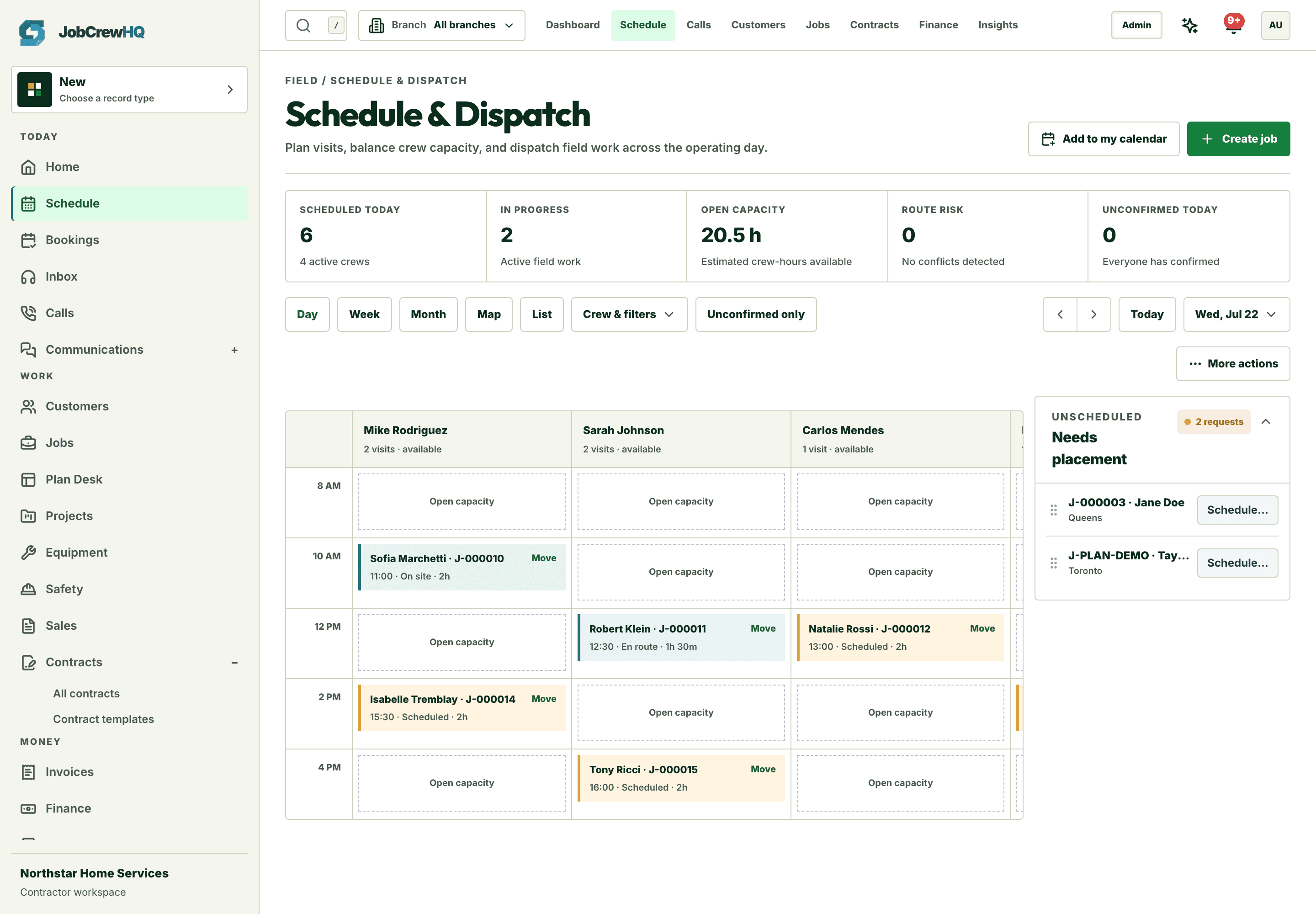
Plan the week
Capacity you can actually see
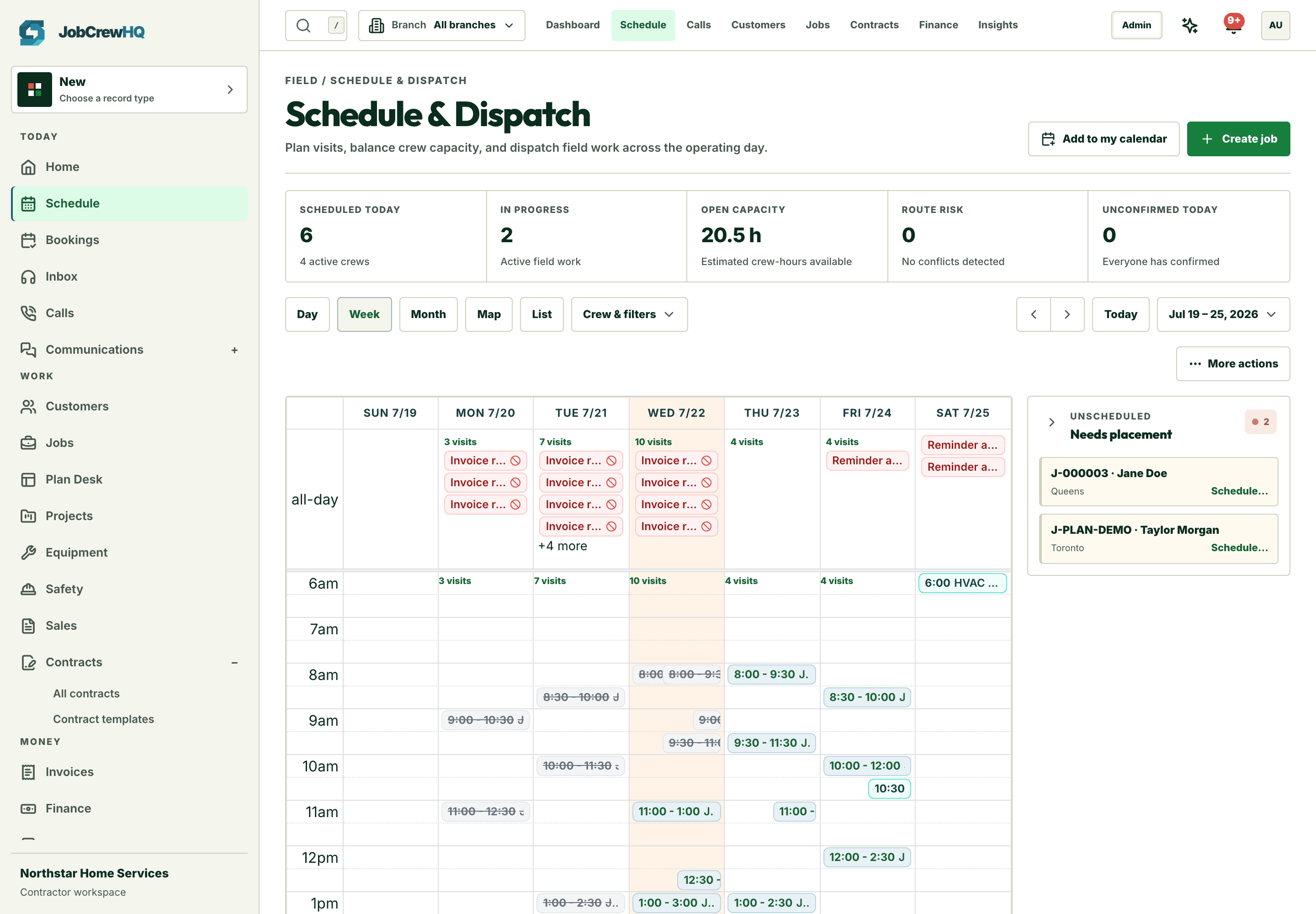
Day, week, month, list, and map views of every visit — with open capacity and unconfirmed work surfaced before it becomes a problem.
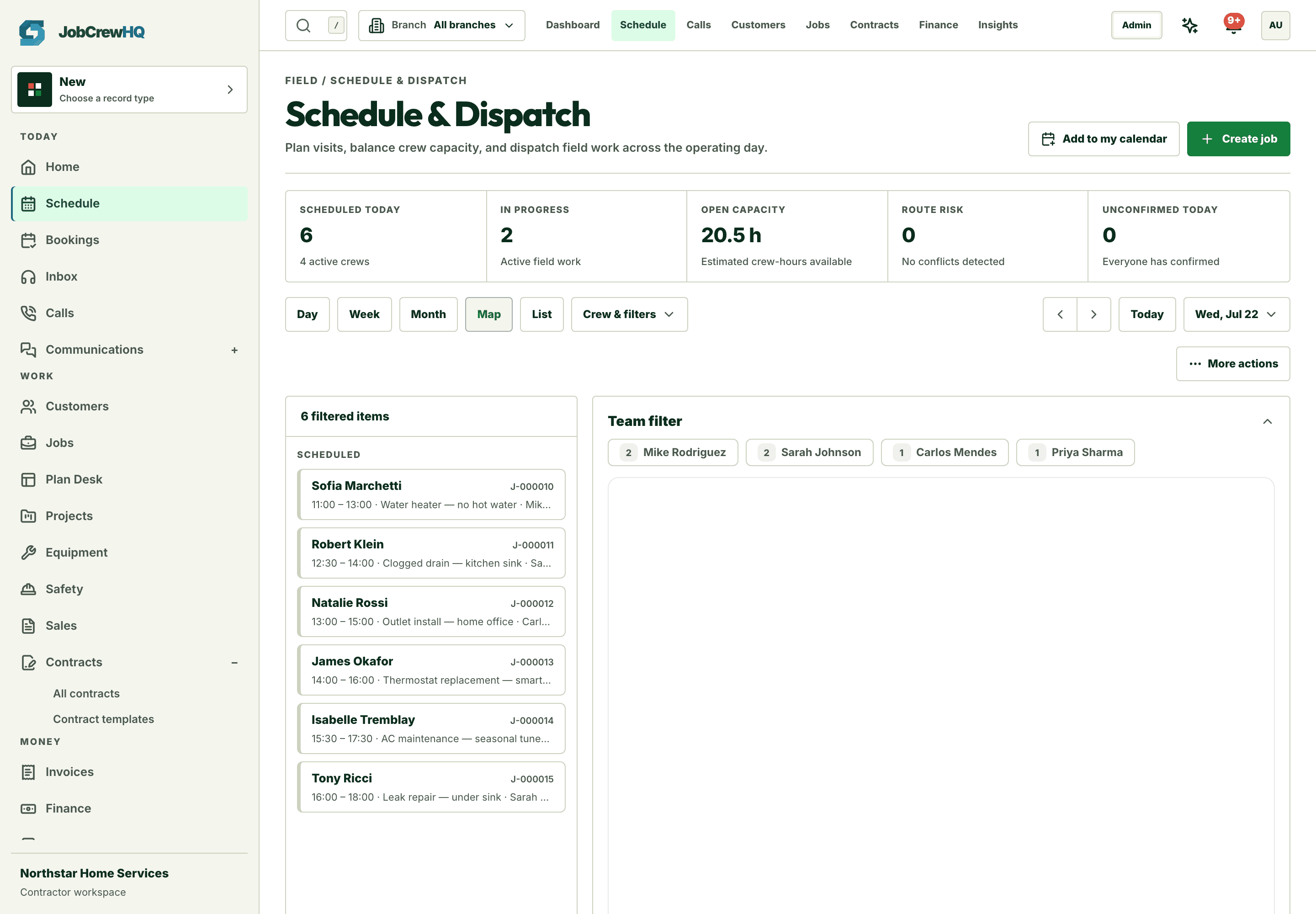
Route the day
Stops on a map, not in someone’s head
Plot the day geographically, catch bad routing before dispatch, and optimize stop order when the plan changes.
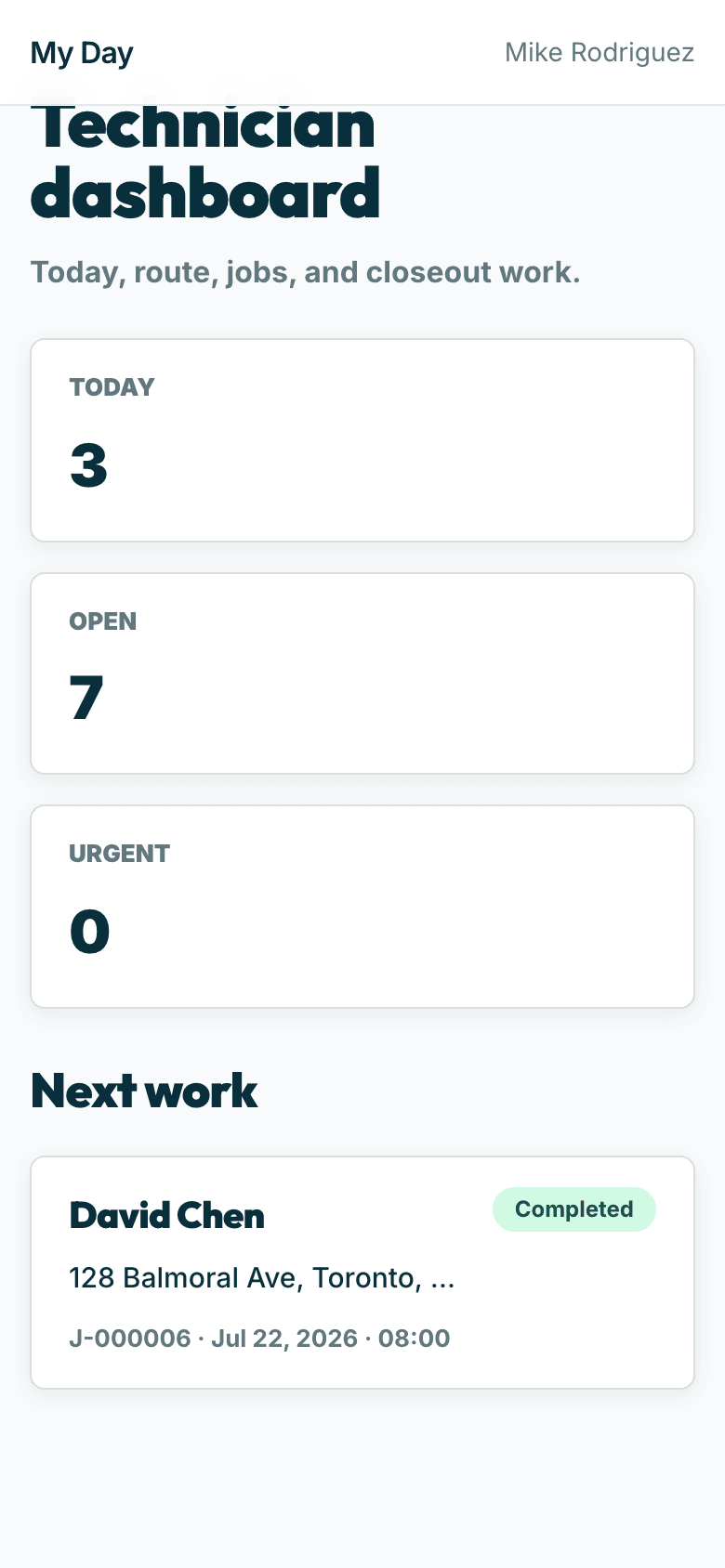
Hand off cleanly
The crew gets the day on their phone
Assignments flow straight to the technician workspace — route, job context, and customer notes included.
Capability
What the workflow includes
- Day, week, month, agenda, list, and map views
- Unscheduled-work tray and drag-to-reschedule
- Assignment conflict checks and route optimization
- Customer reminders and technician route handoff
How it moves
One path, four handoffs
- 01
See capacity
Review scheduled and unscheduled work together.
- 02
Place the job
Assign the technician, date, and arrival window.
- 03
Adjust the day
Move work and surface conflicts before dispatch.
- 04
Send the route
Give the technician the current day on their phone.
One connected system
It doesn’t work alone
Scheduling & dispatch shares records with requests, jobs, technician workspace and the rest of the platform — one login, one customer record, one operating loop.
Put scheduling & dispatch inside the same operating loop.
Start with the core workflow today, then add operational depth as your crew grows.