Do the work
Give technicians the next action, not the whole back office
A phone-first workspace for today’s route, job context, status updates, forms, photos, signatures, payment, and required closeout.
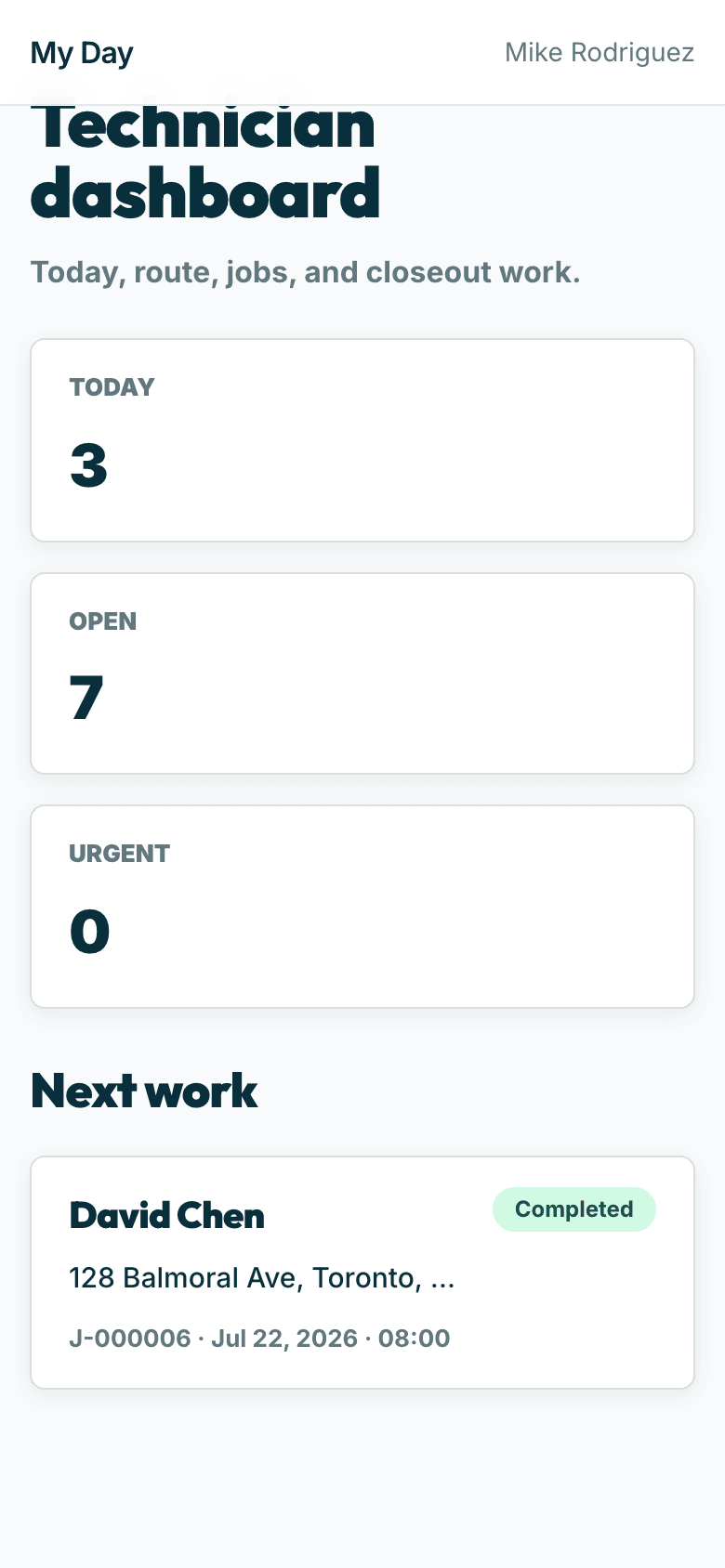
Do the work
The next action, not the whole back office
Status flow, required forms, photos, signatures, and payment — designed around finishing the visit correctly.
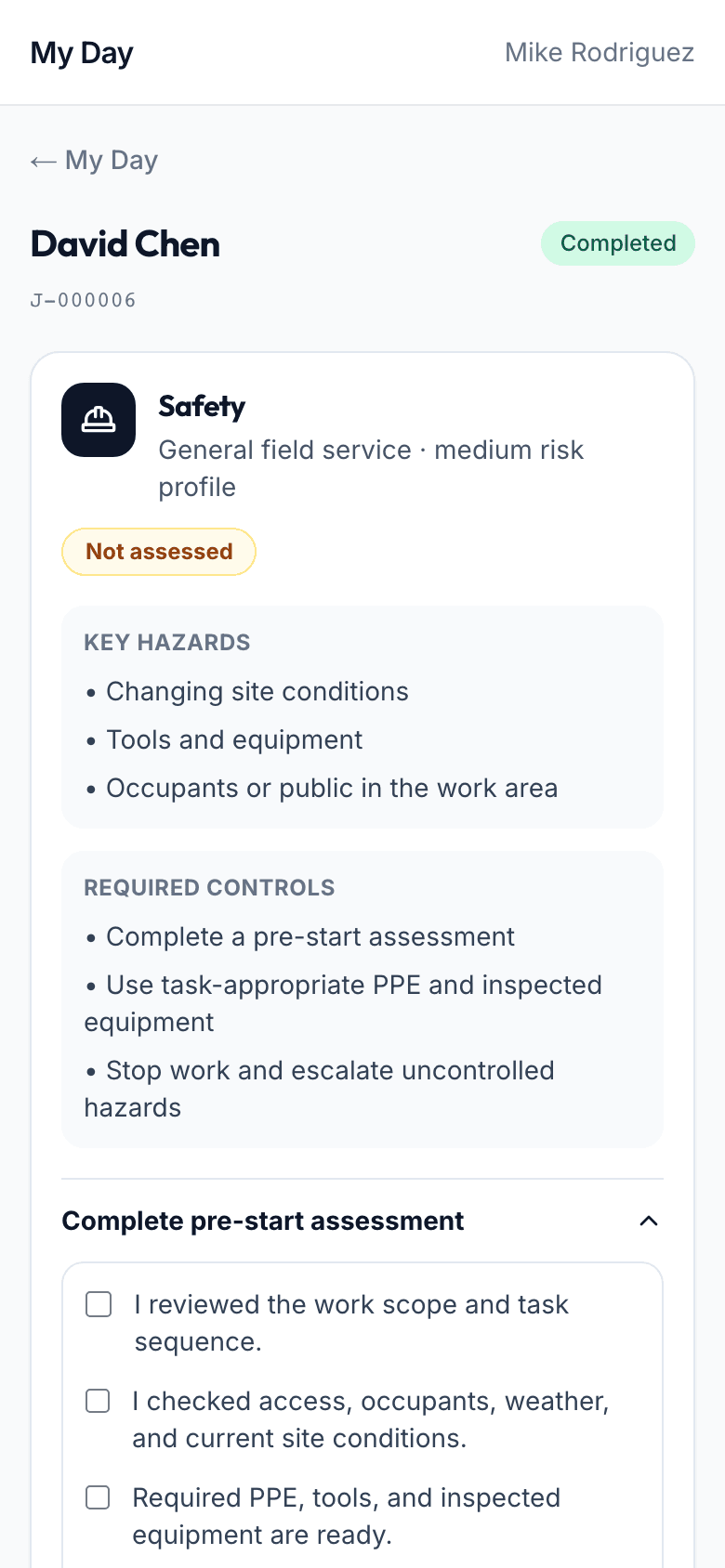
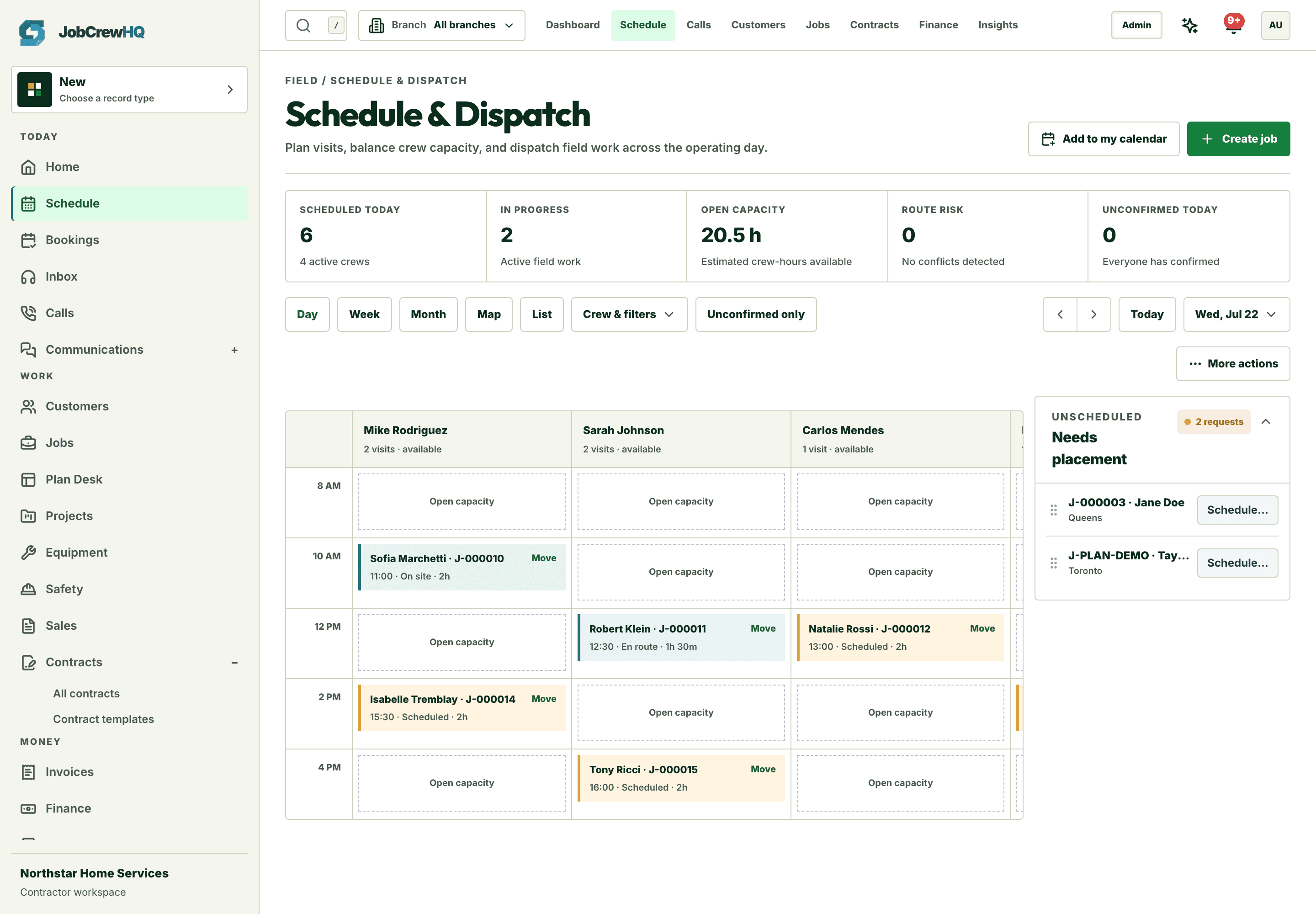
Stay aligned
The office sees status without calling
En route, arrived, started, completed — the board and the customer stay current automatically.
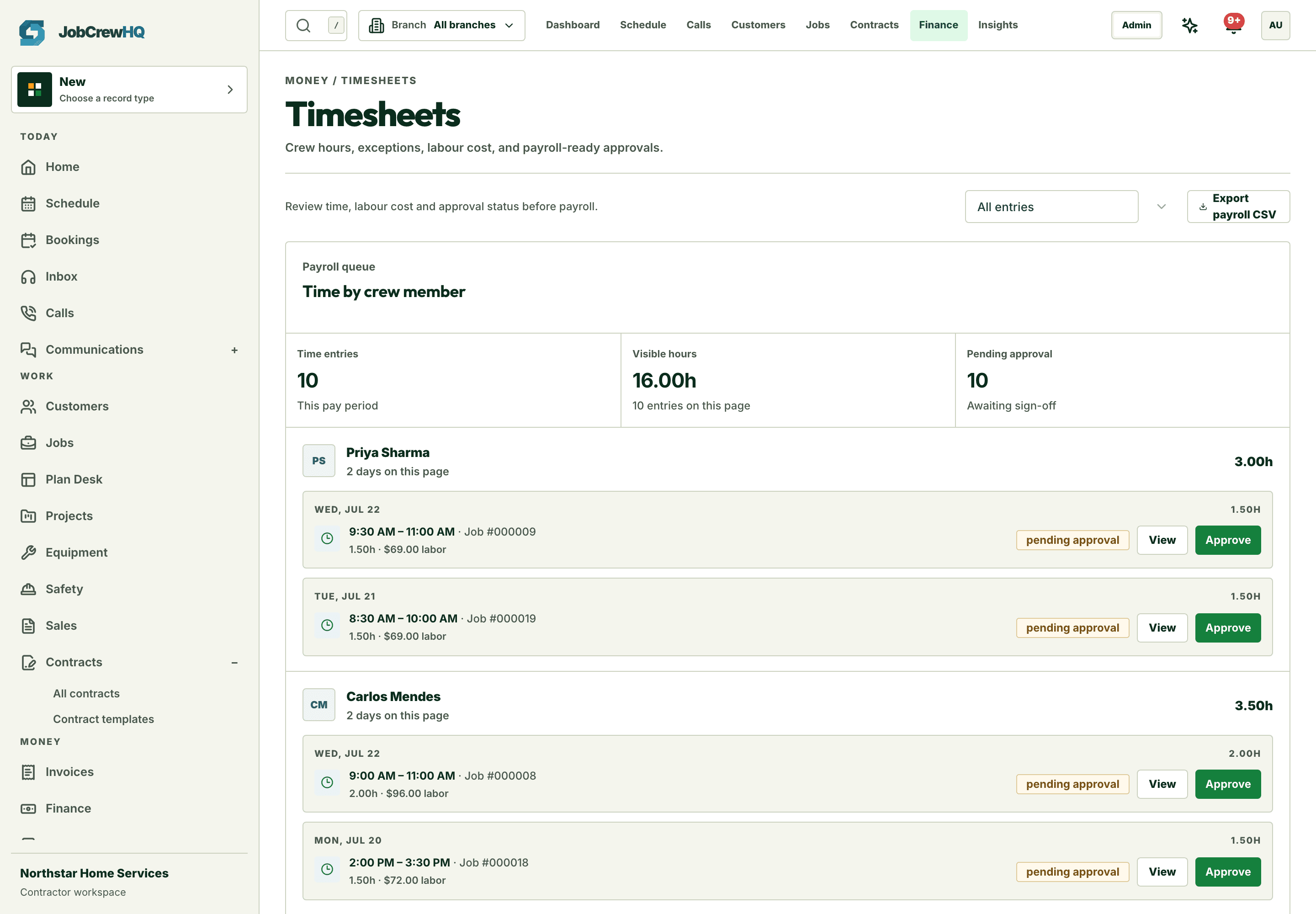
Track time
Hours accrue against real jobs
Clock-in and clock-out happen where the work happens, so timesheets are payroll-ready.
Capability
What the workflow includes
- Technician-specific day and route
- En route, arrived, started, and completed status flow
- Required forms, photos, and customer signature
- At-the-door payment and gated closeout
How it moves
One path, four handoffs
- 01
Go
Open the next stop and launch directions.
- 02
Update
Keep the office and customer aligned on visit status.
- 03
Document
Complete required forms, photos, and signature.
- 04
Close
Collect payment and finish only when requirements are met.
One connected system
It doesn’t work alone
Field operations shares records with schedule, jobs, forms and the rest of the platform — one login, one customer record, one operating loop.
Put field operations inside the same operating loop.
Start with the core workflow today, then add operational depth as your crew grows.