Run the crew
Roles, time, and multi-branch control in one place
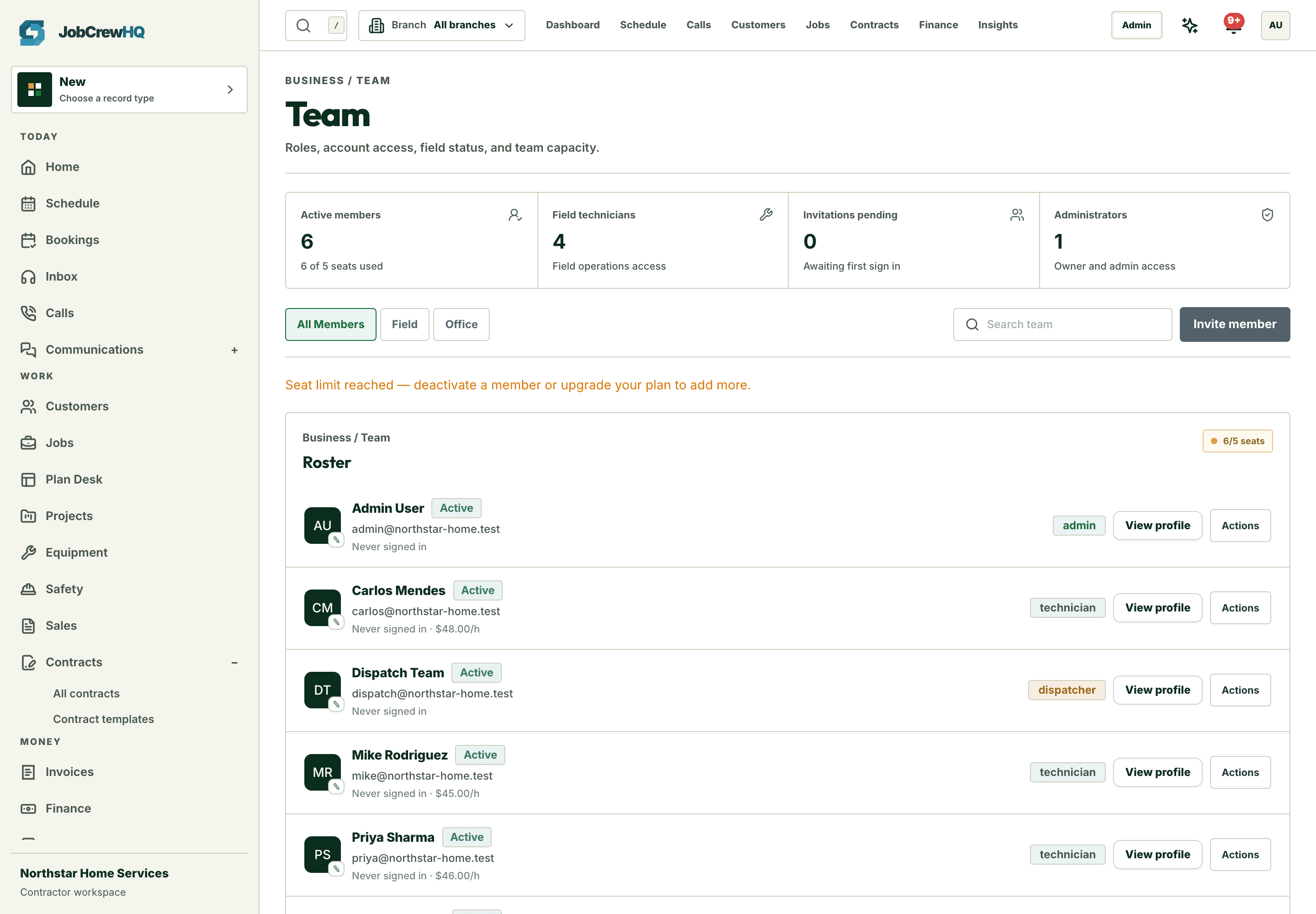
Manage seats, role-based permissions with per-org overrides, branches and departments, technician clock-in/out on jobs, and expenses — without a second system.
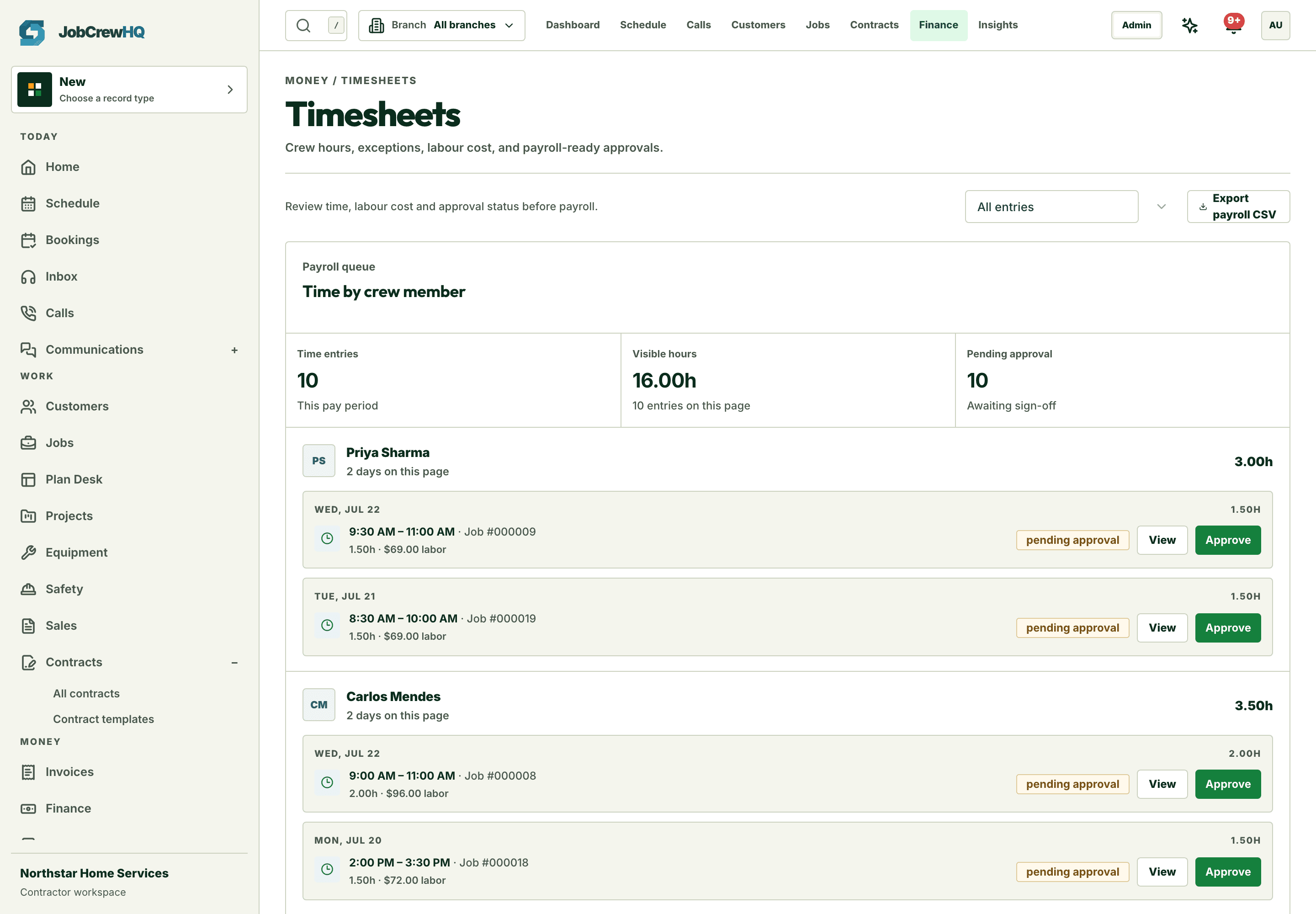
Time on jobs
Clock-in and clock-out where the work happens
Technician hours accrue against real jobs, ready for review and payroll.
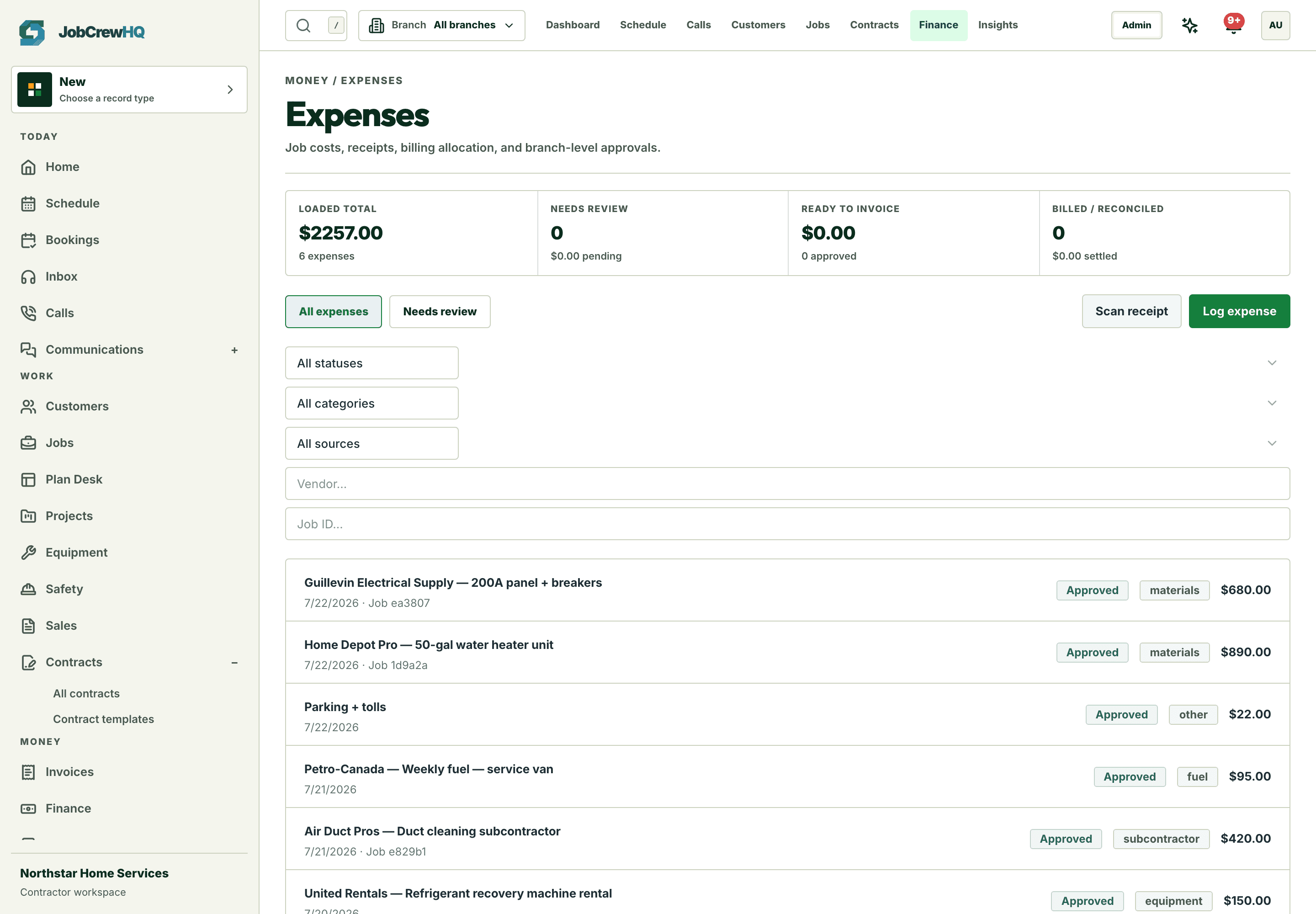
Spend beside work
Expenses captured with job attribution
Materials and costs recorded against the job that caused them.
Govern
Roles and permissions that scale with the org
Permission-scoped access with per-org overrides, branches, and a full audit trail.
Capability
What the workflow includes
- Role-based access with per-organization permission overrides
- Technician clock-in/out tied to the job record
- Branches and departments for multi-location teams
- Expenses captured beside the work that caused them
How it moves
One path, four handoffs
- 01
Invite
Add the crew with the right role from the start.
- 02
Track
Hours accrue against real jobs in the field.
- 03
Review
Approve timesheets and expenses in one pass.
- 04
Scale
Add branches without changing how anyone works.
One connected system
It doesn’t work alone
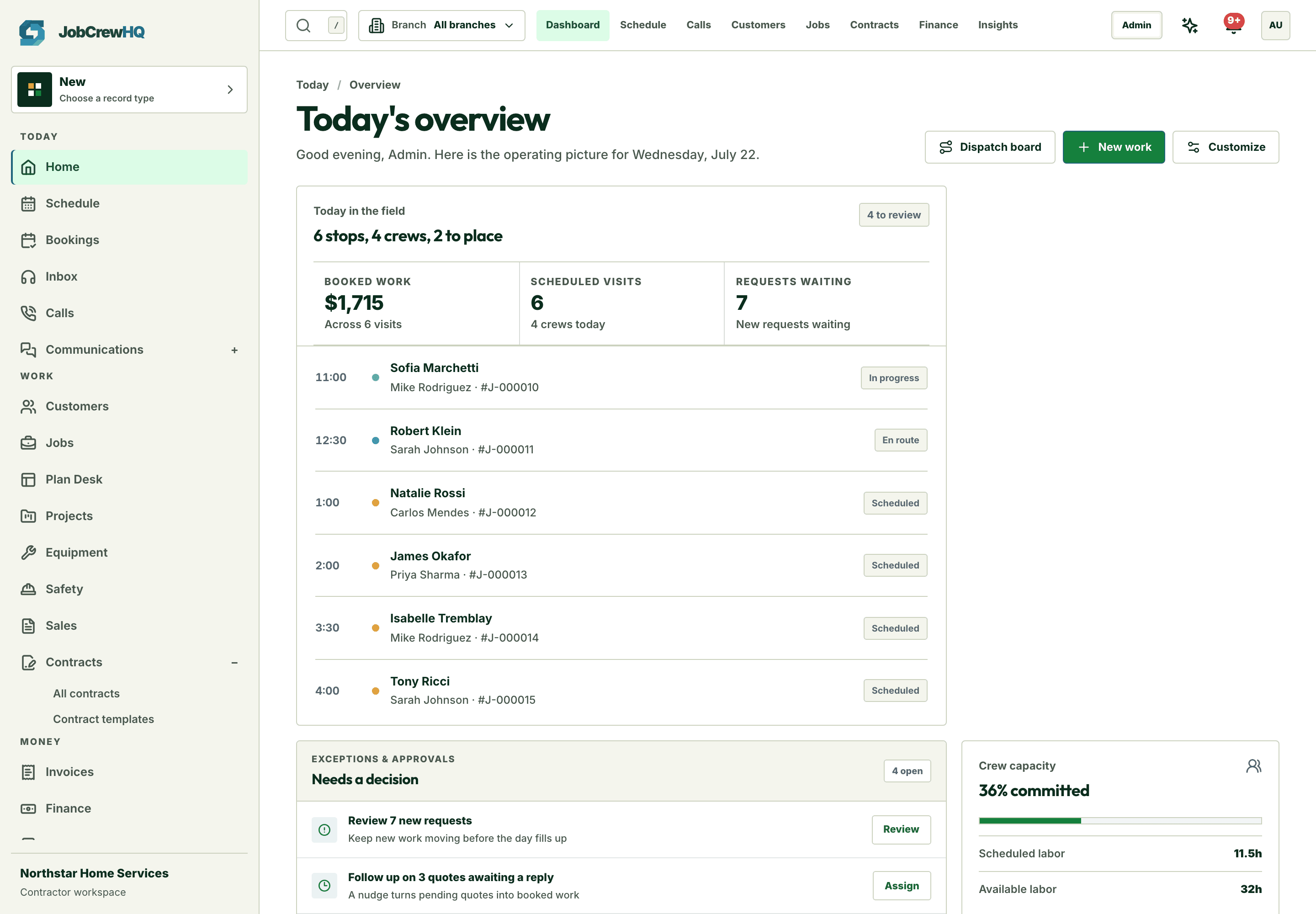
Team & timesheets shares records with jobs, field operations, expenses and the rest of the platform — one login, one customer record, one operating loop.
Put team & timesheets inside the same operating loop.
Start with the core workflow today, then add operational depth as your crew grows.