Serve the asset
Know every unit on every property before you roll a truck
Keep equipment records attached to customer properties — make, model, serial, install date, and service history — so diagnosis starts before arrival.
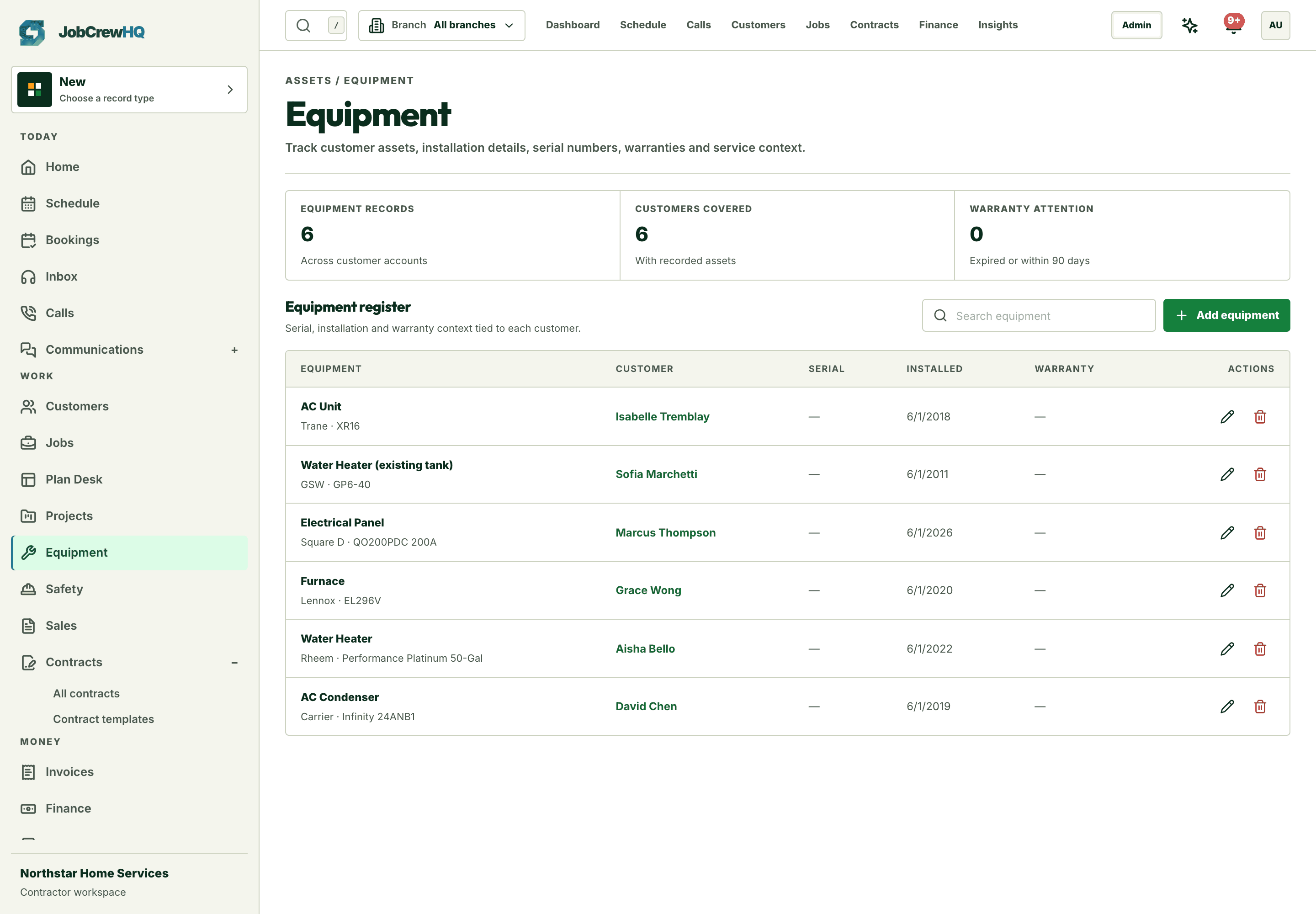
On the record
Units live under the property they serve
Make, model, serial, and install date attached to the customer and location.
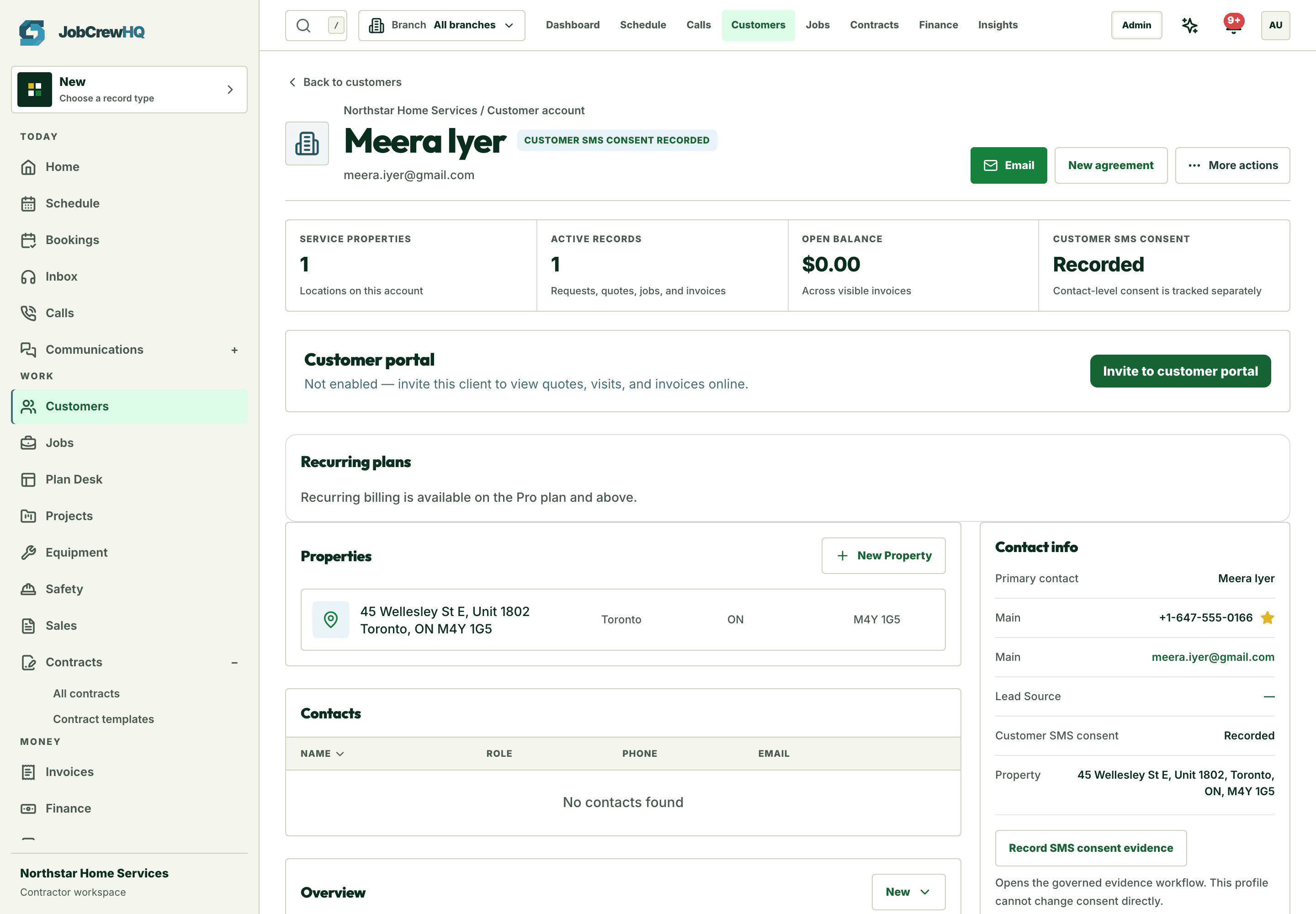
History that helps
Every visit adds to the unit’s story
Service history accumulates automatically as jobs complete against the asset.
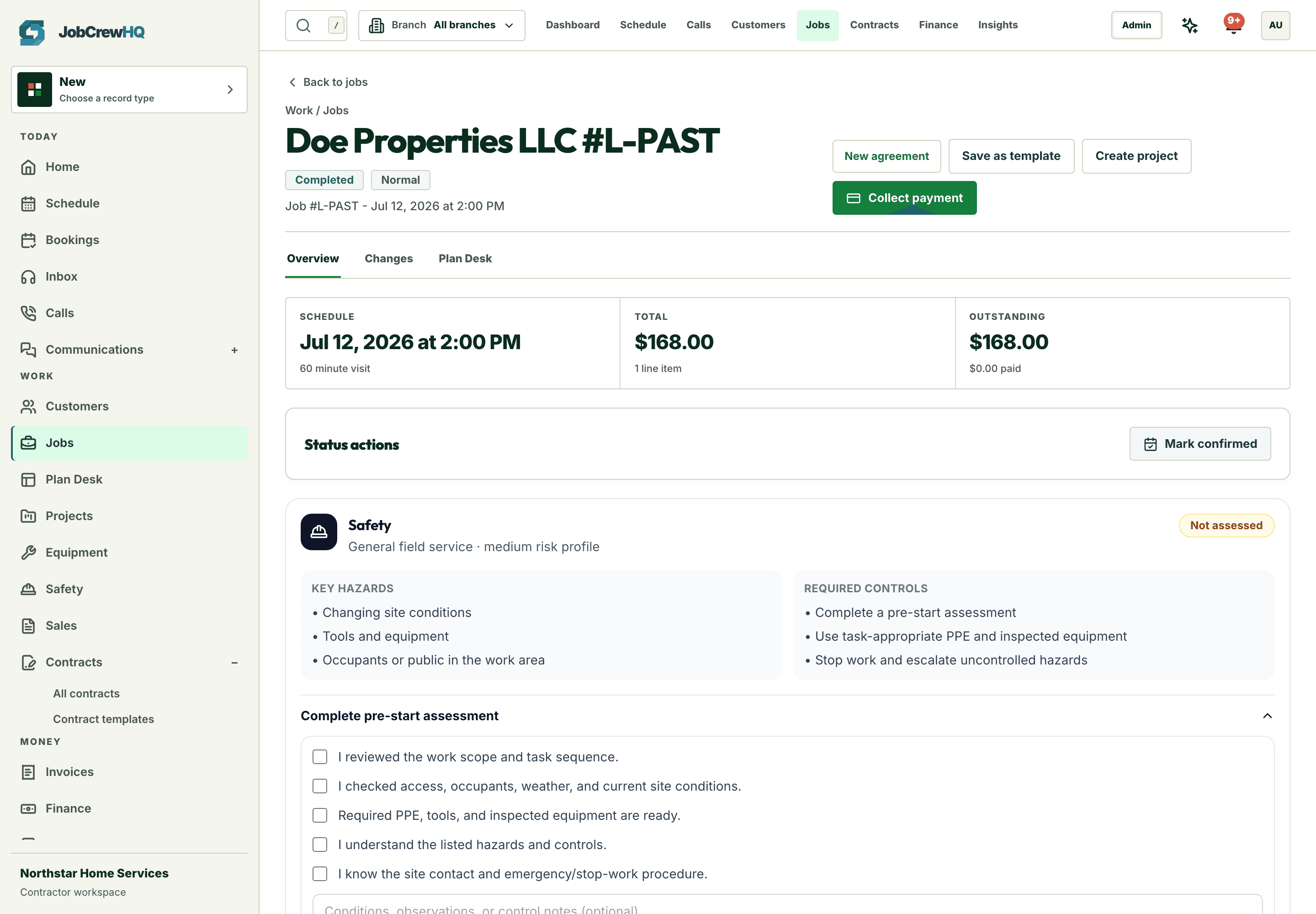
In the field
Technicians see the unit before they open the panel
Asset context rides along in the mobile workspace — no calls back to the office.
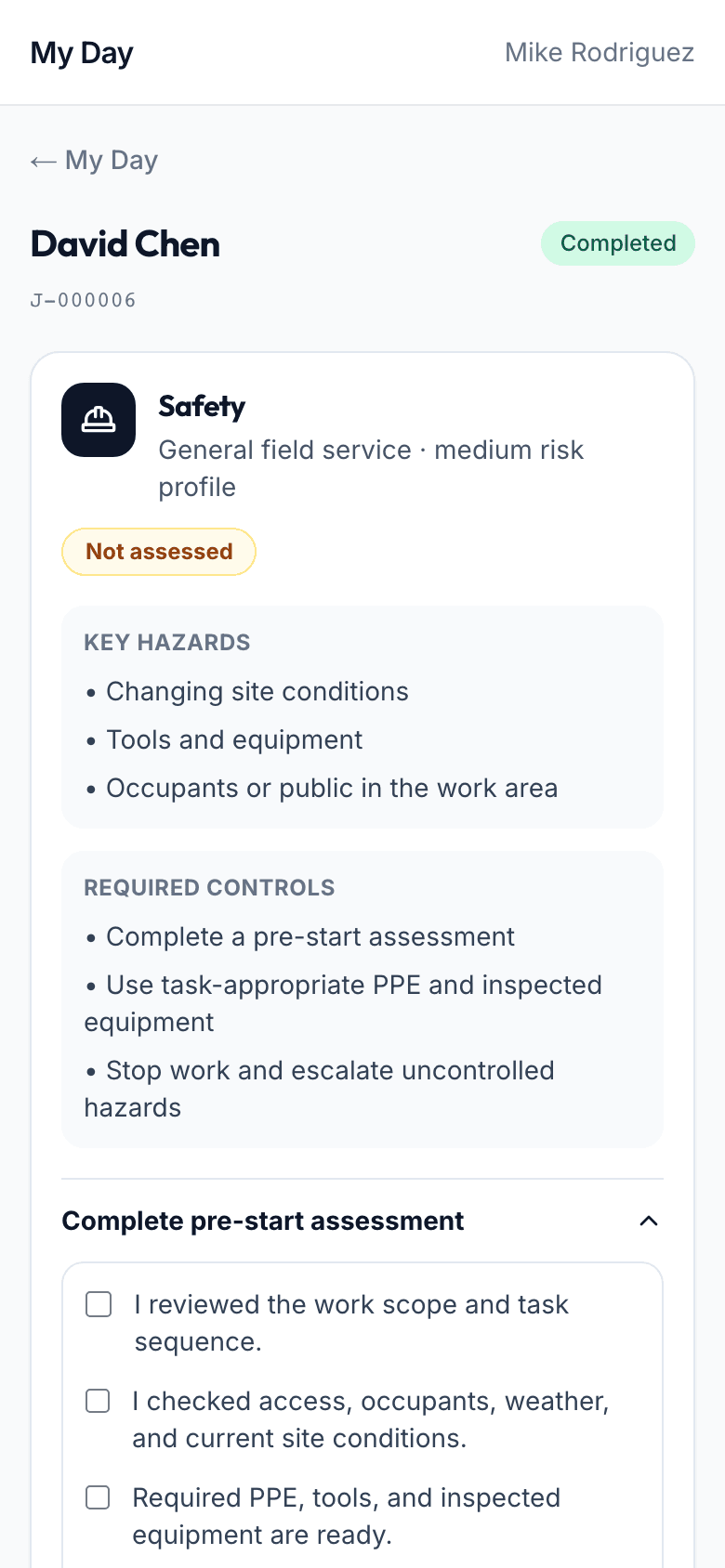
Capability
What the workflow includes
- Equipment records tied to customers and properties
- Make, model, serial, and install details at a glance
- Service history connected to jobs and visits
- Safety profiles and required checks for regulated work
How it moves
One path, four handoffs
- 01
Register
Capture the unit during the first visit.
- 02
Reference
See asset history when the next call comes in.
- 03
Service
Attach the visit record to the unit automatically.
- 04
Plan
Spot aging units and maintenance opportunities.
One connected system
It doesn’t work alone
Equipment tracking shares records with client crm, jobs, field operations and the rest of the platform — one login, one customer record, one operating loop.
Put equipment tracking inside the same operating loop.
Start with the core workflow today, then add operational depth as your crew grows.